What happens in the video
- 0:00 “send the report every day for the next three weeks at 08:30” is typed into the add box, and a chip shows the rule Petodo read from it.
- 0:04 Enter: today’s 8:30 AM task appears with a repeat mark, and the rule sits in the Repeating section. Twenty-one mornings, from one line.
- 0:09 Today’s is ticked off and the pet celebrates. The next morning a new 8:30 AM task is there, with its 15 minute reminder.
- 0:14 Two more: “standup every weekday at 9:30” and “stretch every 3 days at 4pm”.
Every screen is the real Petodo app. More Petodo videos
Music: “Transportation” by Audionautix (audionautix.com), CC BY 4.0.
Questions people ask
Are repeating tasks free in Petodo?
Yes. Repeating tasks are part of the free app on Windows, Mac, Android and iPhone.
What happens when I tick off a repeating task?
Only today’s copy is done. The next one appears on its own day, with its reminder.
Read next
For you
A desktop pet with a to-do list
Twenty characters that sit on top of every window and walk over when it's time.
Read itFor you
Petodo for ADHD
A list you can't lose behind a window, and reminders that keep going until it's done.
Read itGuide
A to-do list on top of every window
Three ways to keep a to-do list in front of every window on Windows and Mac.
Read it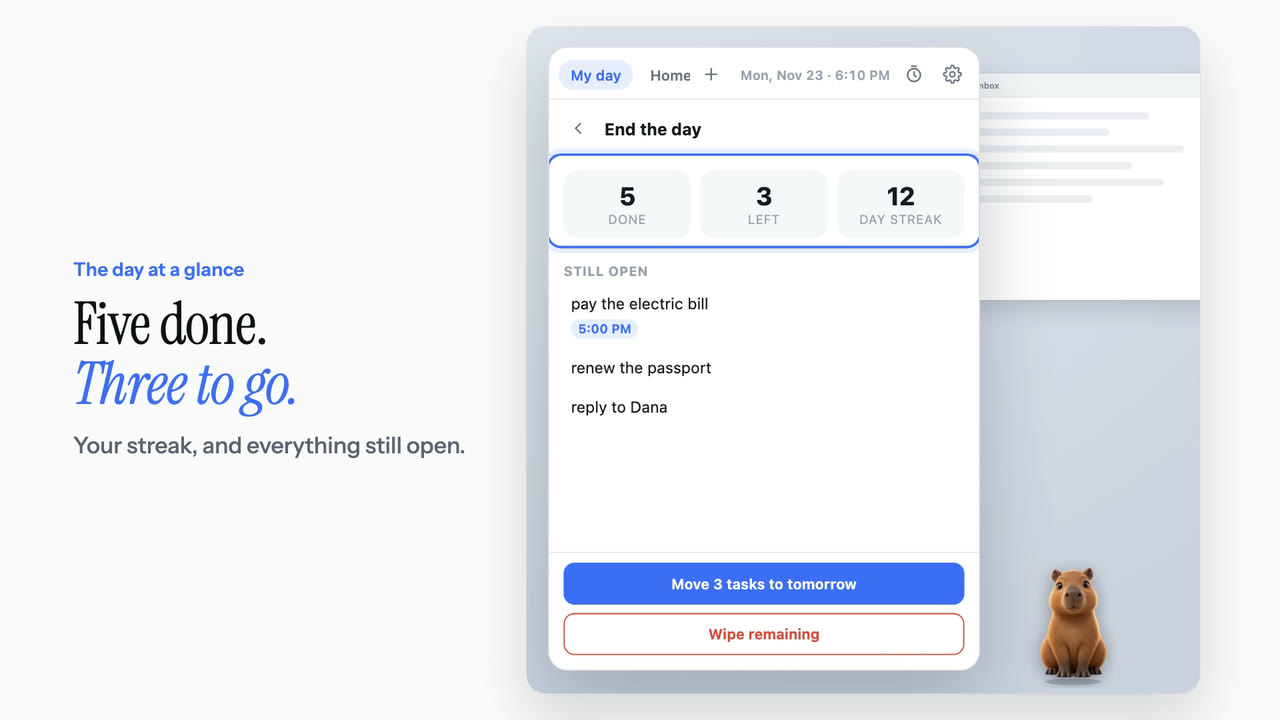 0:22
Video
End the day in one click
See what you finished, then carry the rest to tomorrow with their reminder times.
Watch it