Watch it find you.
The pet popping up over other apps, the home screen widget, and a reminder answered from the notification.
Every screen, from version 1.3.1.
Real screens from the app, nothing mocked up.
What's in version 1.3.1.
It pops up over any app
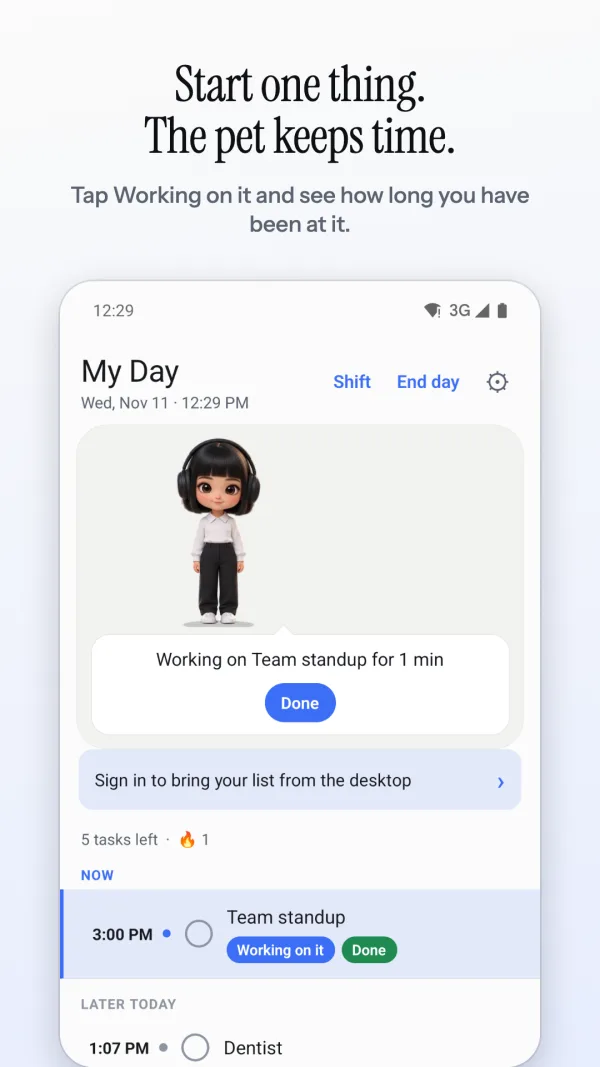
When a task is due, the pet appears over whatever you are doing with Working on it and Done. One tap, and back to what you were doing.
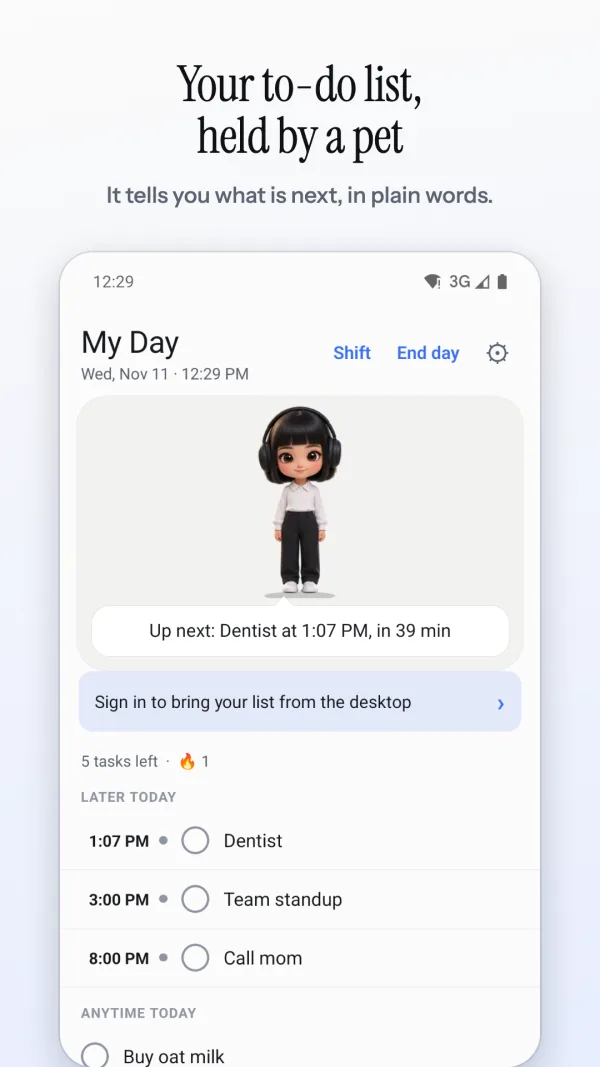
A home screen built around the pet
A status card says what matters now: a clash, what you are working on, something late, or what's next. Tasks are grouped Now, Later today, Anytime and Tomorrow.
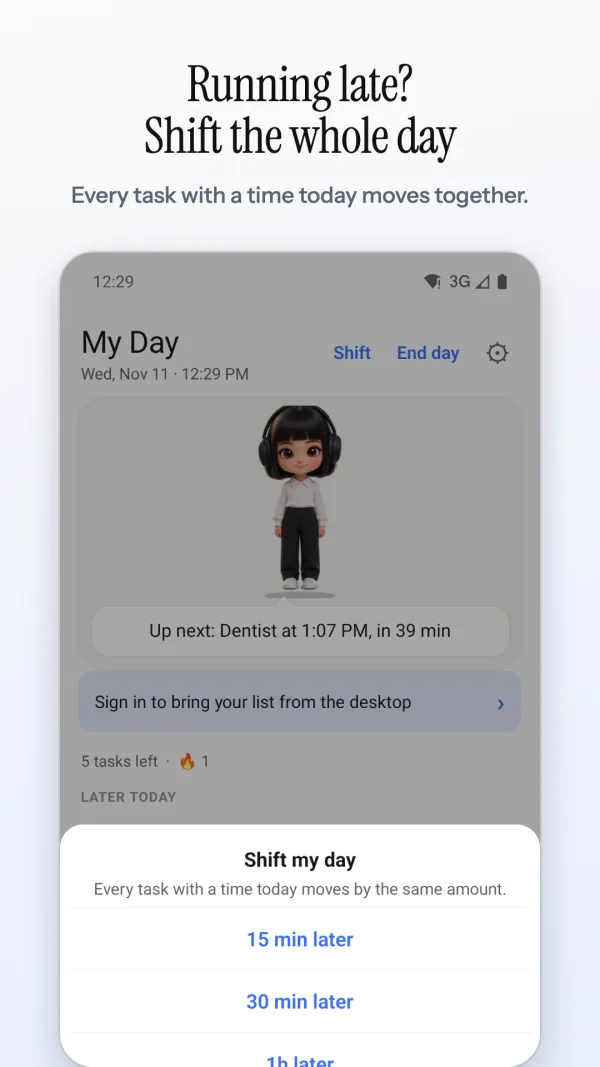
Shift the whole day
Running late? Shift moves every open timed task of today 15, 30, 60 or 120 minutes later, or 15 earlier. Anything pushed past the end of the day moves to tomorrow.
Reminders you can answer
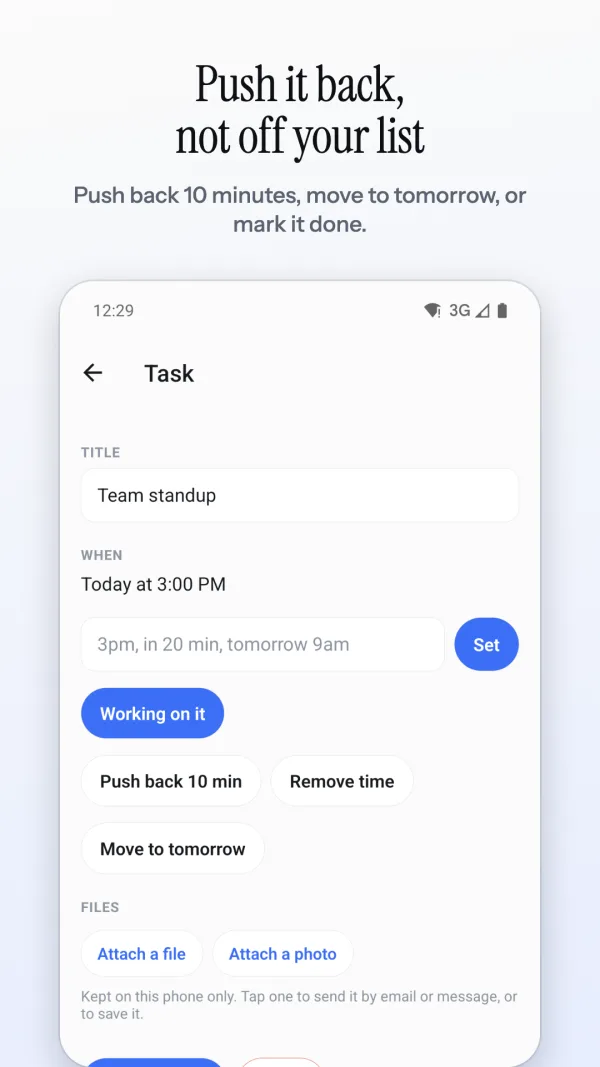
Done and Push back 10 min right on the notification. Still on one task when the next comes up? The reminder says so, with Shift the day and Done with it.
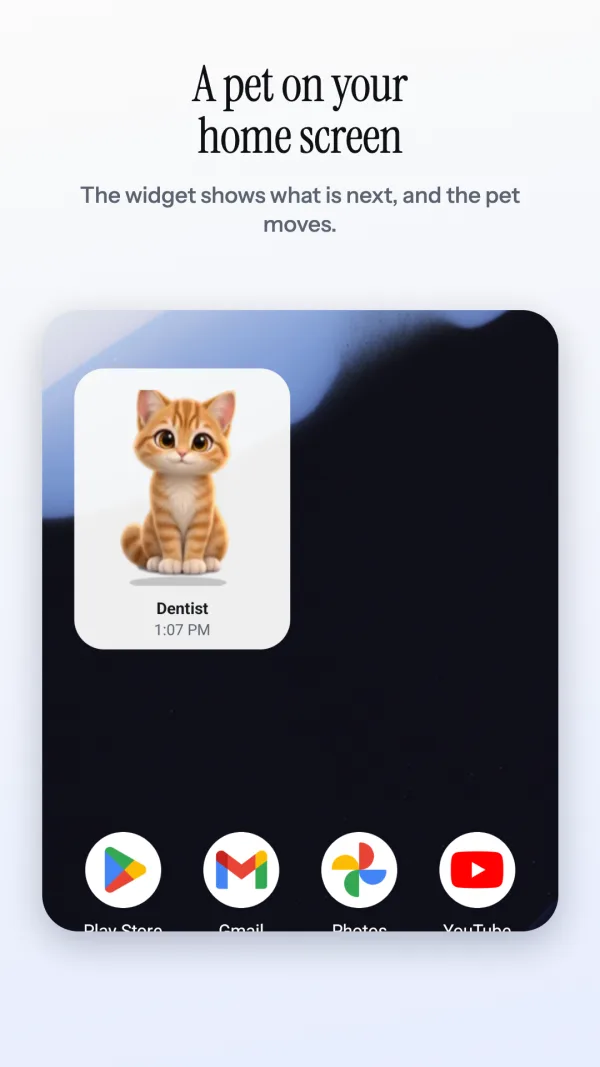
A widget that moves
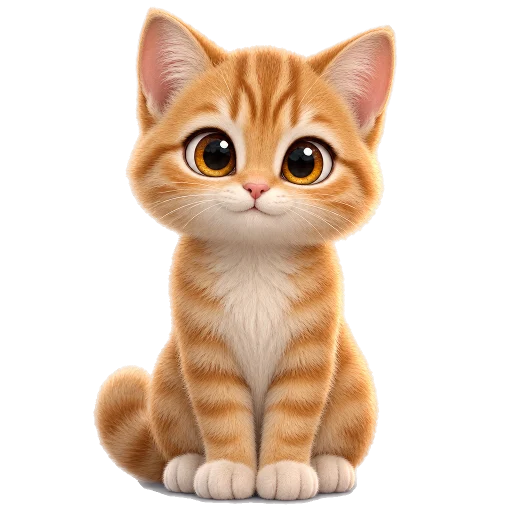
Your pet on the home screen, holding what's next, and animating through its poses.
Pinch your pet to size
New in 1.3.1: pinch the pet on your screen with two fingers to make it bigger or smaller, or pick a size under Settings, Pet on screen.
Installing it, step by step.
- On your phone, tap Download for Android.
- Open the file when it finishes. If Android asks, allow your browser to install apps.
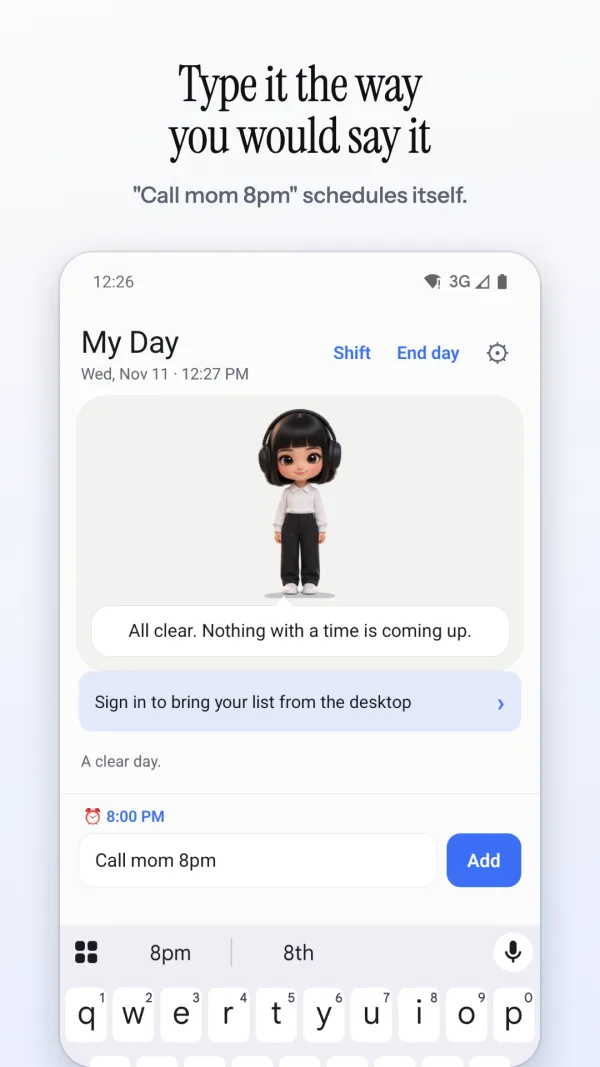
- Open Petodo and add your first task: “call Sam 2pm”.
- Optional: Settings, Sign in, to bring over your computer's list.
Questions people ask
Why isn't Petodo on Google Play?
The Google Play listing is not live yet. For now Petodo is installed straight from petodoapp.com, so your phone asks you to allow installing from your browser the first time. After that the app offers new versions itself. A Google Play badge will appear on this page the day the listing is live.
Is the download safe?
It is signed with Petodo's own key, the same one every version uses, so Android only lets a real Petodo update replace it. Download it only from petodoapp.com.
What does it need permission for?
Notifications, for reminders. Showing the pet over other apps needs Android's “display over other apps” permission, which you can leave off; reminders still arrive as notifications.
Does it work without my computer?
Yes. It is a full to-do list on its own. Sign in with the same account and it syncs with Petodo on Windows or Mac.
Which Android versions?
Android 7 and later.