Watch it on iPhone and Apple Watch.
25 seconds: today's list on your wrist, then what the next iPhone update brings.
What's in version 1.2.0.
The version on the App Store now. Every screen below is from it.
Type it the way you'd say it
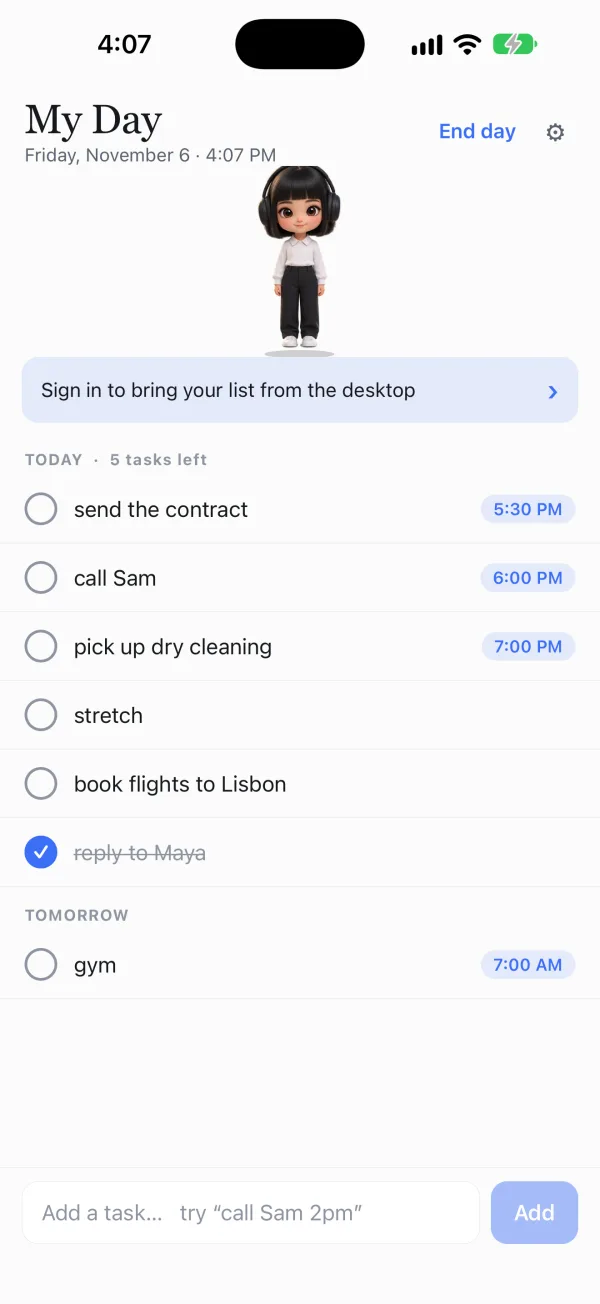
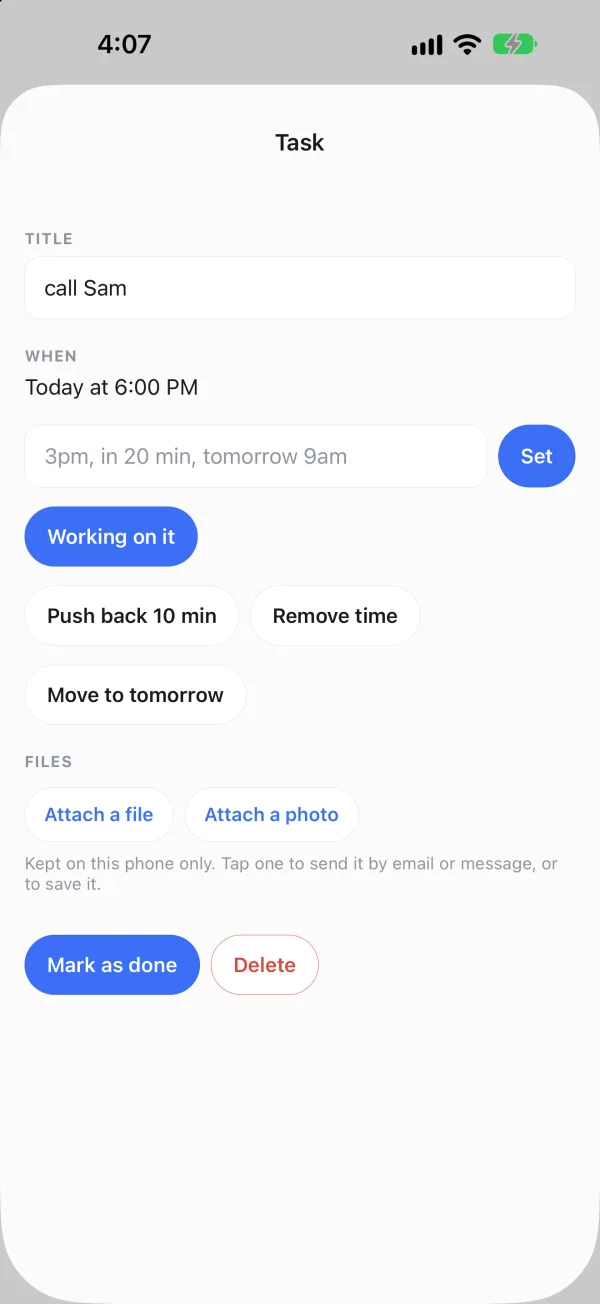
“call Sam 2pm” schedules itself, exactly as on your computer. Tap a task to change its time, push it back, move it to tomorrow or tick it off.
Reminders you can answer
Done and Push back 10 min sit on the notification. A reminder at the due time comes through Focus modes, and it disappears once you finish the task anywhere.
The same twenty characters
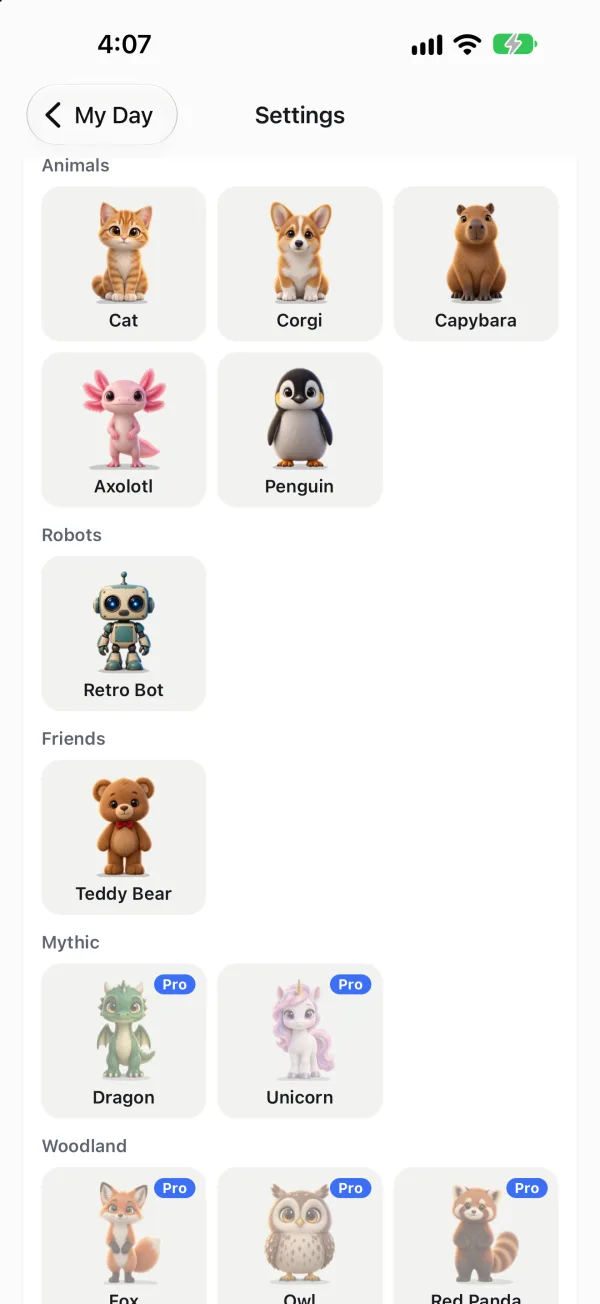
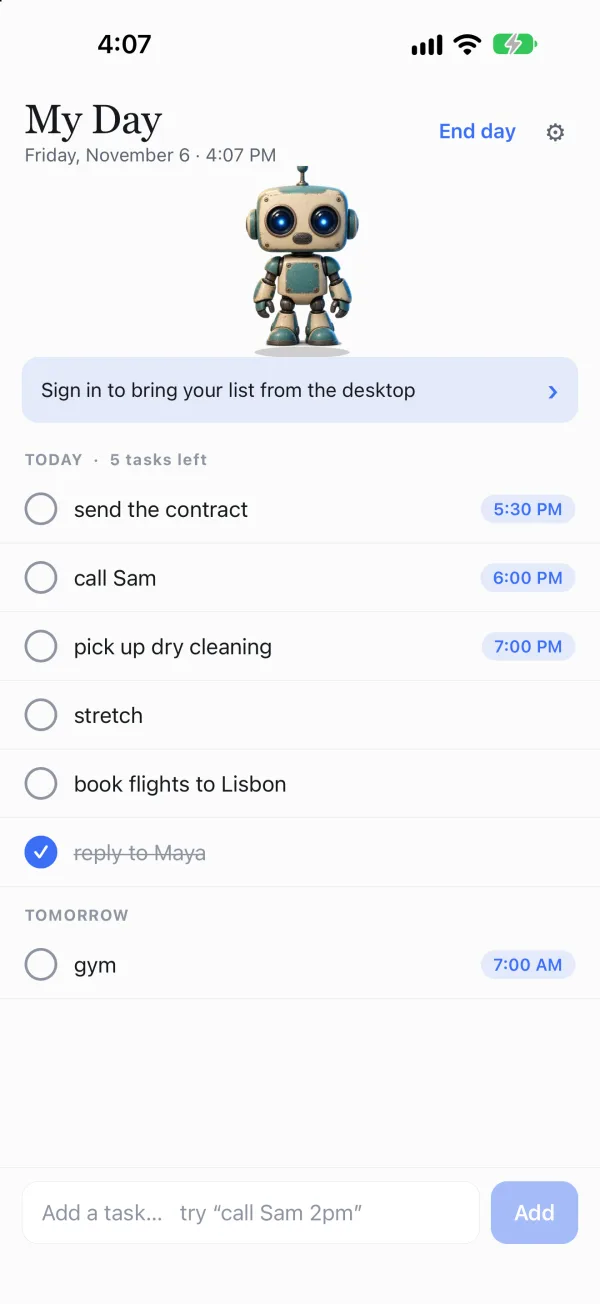
Your pet stands at the top of your list. Tap it and it tells you what's next, and it mentions anything an assistant, your email or your calendar added.
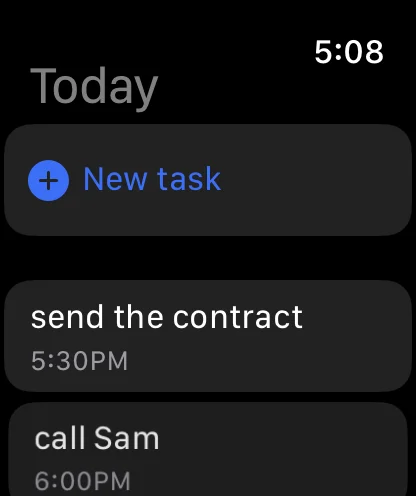
On your Apple Watch
Today's list, Done and Working on it on your wrist, and new tasks by dictation. Reminders reach the watch from the phone as usual.
Coming to iPhone in the next update.
Already out on Android, and built for iPhone: the pet-first home screen, Shift my day, a widget, a Live Activity and Siri. The update goes to Apple's review next.
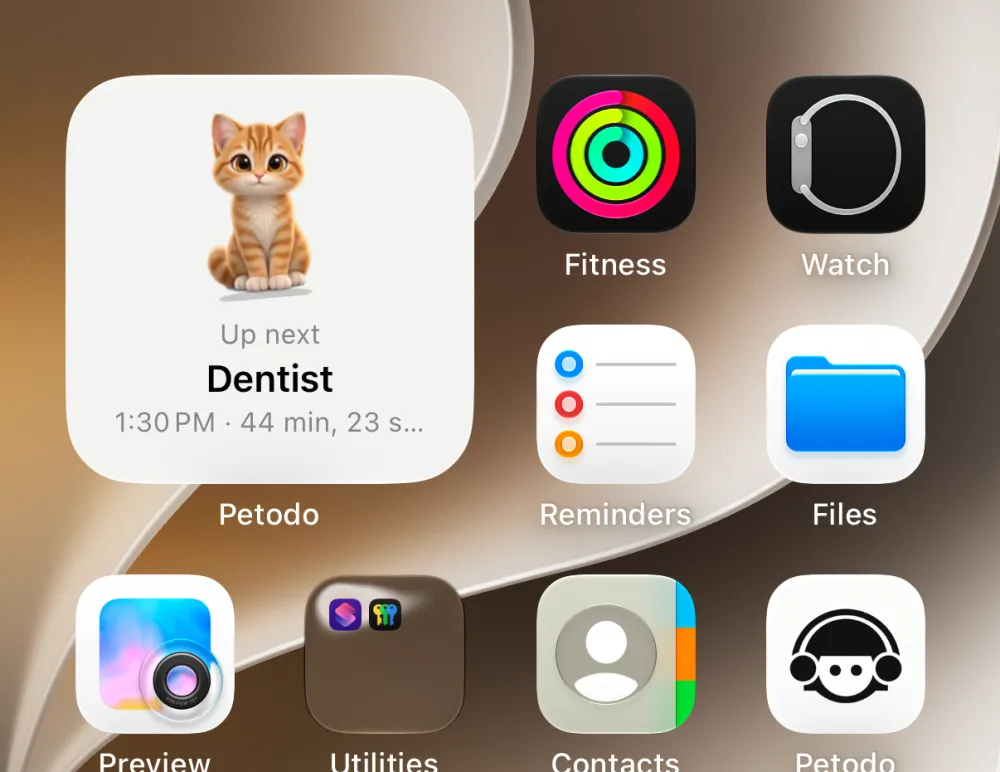
A widget with your pet
On the Home Screen and the Lock Screen, holding what's next.
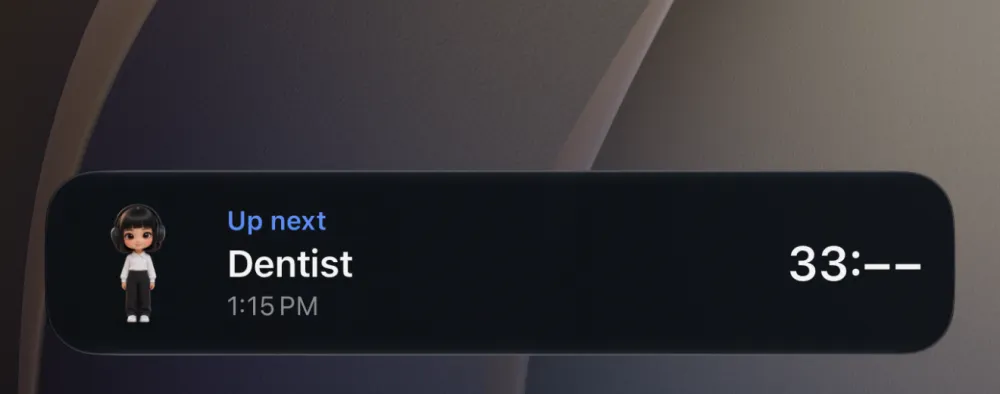
A Live Activity
A countdown to your next task on the Lock Screen and in the Dynamic Island.
A home screen built around the pet
One line says what matters now: what's next, what's late, what you are working on. Tasks are grouped Now, Later today, Anytime and Tomorrow.
Shift my day, and Siri
Running late? Move every open timed task of today in one tap. Siri and Shortcuts can add a task, say what's next, mark one done, start working and shift the day.
Get it on your iPhone.
Free on the App Store, with the Apple Watch app inside. Sign in with the account you use on your computer and the same list is on both.
Apple and the Apple logo are trademarks of Apple Inc., registered in the U.S. and other countries. App Store is a service mark of Apple Inc.
Questions people ask
Is Petodo on the App Store?
Yes. Version 1.2.0 is free on the App Store for iPhone, with the Apple Watch app inside. It needs iOS 16.4 or later.
Does it need my computer?
No. The iPhone app works on its own, and if you sign in with the same account as your computer, the same list is on both.
Is there an Apple Watch app?
Yes, inside the iPhone app. It shows today's list, lets you tick tasks off, start Working on it, and add a task by dictation, Scribble or the keyboard. It signs in with a short code or a QR code your iPhone approves.
Does it have a widget, a Live Activity and Siri?
They come to iPhone in the next update, together with the pet-first home screen and Shift my day: a Home Screen and Lock Screen widget with the pet, a Live Activity counting down to your next task, and Siri actions to add a task, ask what's next, mark one done, start working and shift the day.
How much does it cost?
The app is free. Pro, which adds nagging that follows you across devices, comes with 14 days free to try.