
Watch a task go to your bot.
25 seconds: start a task with @ResearchBot, see it come back Done, then connect your assistant in one command.
One line in your list. One errand, done.
This is what a hand-off looks like from start to finish.
On your phone, too.
The same list and the same pet on iPhone and Android, synced with your computer when you sign in.
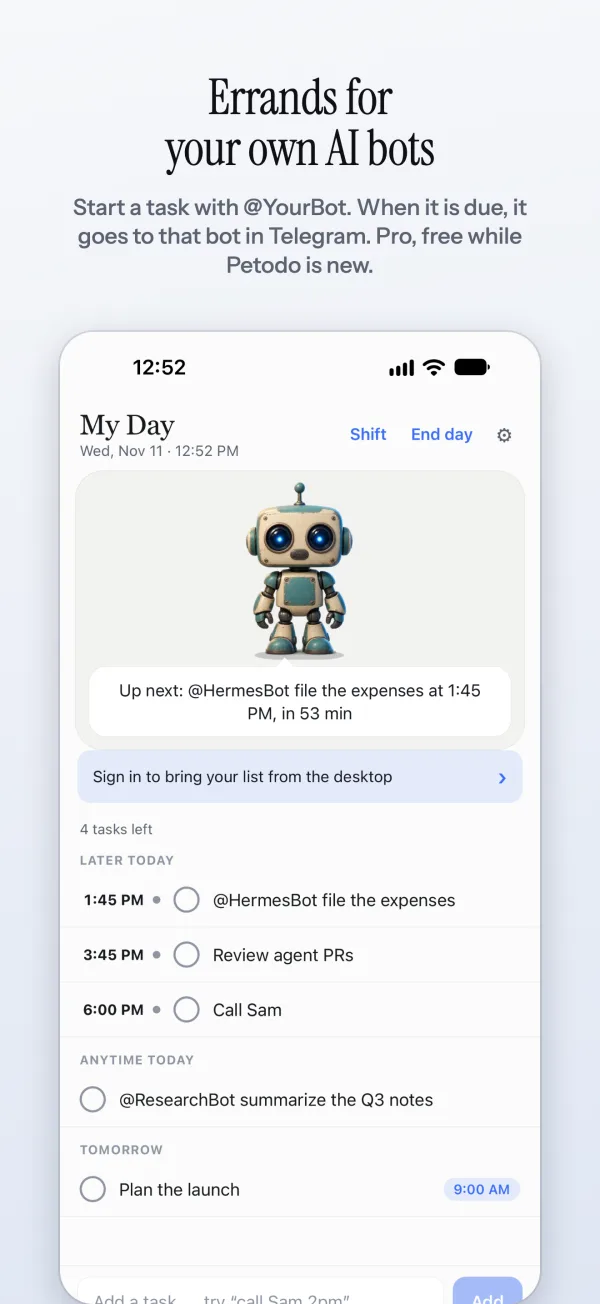
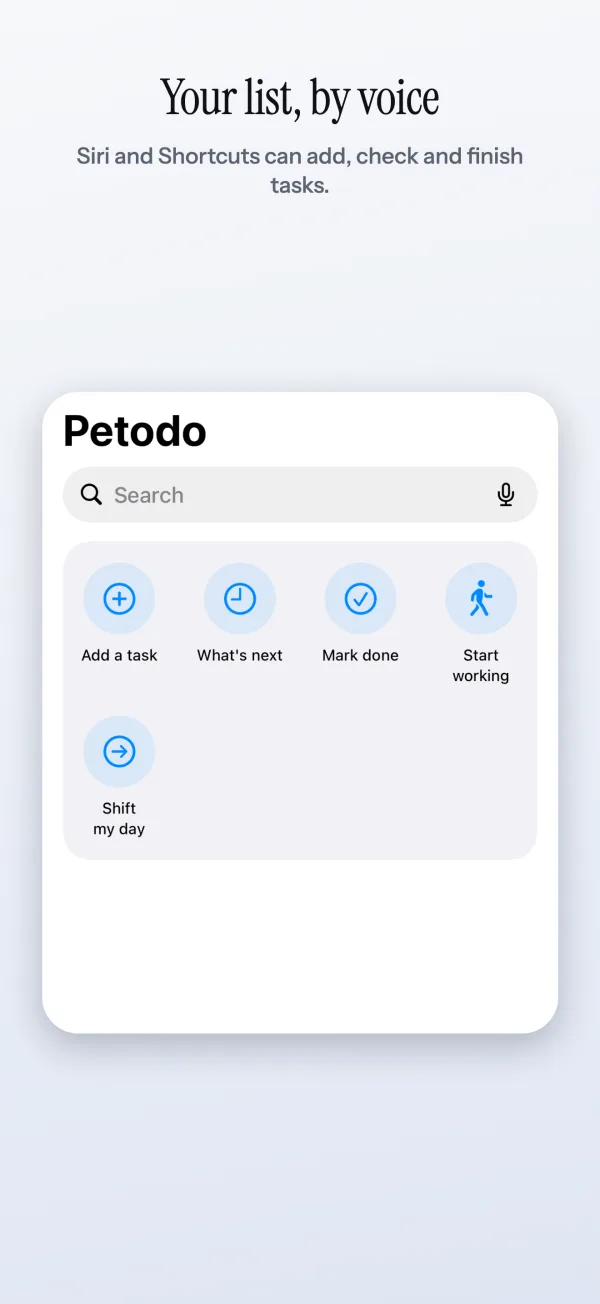
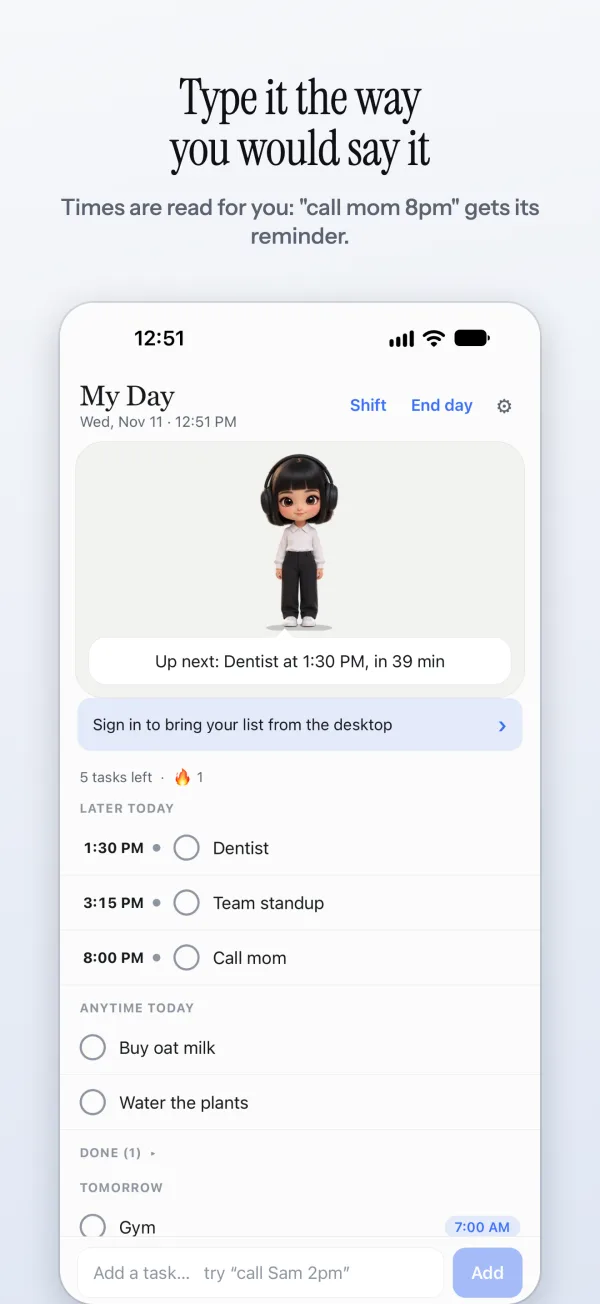
iPhone screens from the next update. Shift my day and the moving widget are already on Android; on iPhone they come with the update, along with the Lock Screen countdown and Siri.
What the hand-off does for you.
On time, without you
Give the task a time and Petodo sends it then, whether or not you are at your desk. No copy and paste, no remembering to ask.
Your own Telegram bot
Petodo talks to your agents through a bot you connect, one to one or in a group. You can add, finish and push back your own tasks from the chat too.
Where every agent is
Each errand moves from Started to Working on to Done on your list. The pet tells you when it changes.
Agents that ask each other
An agent that needs a hand asks another one, and Petodo keeps the conversation on the same task.
Claude, Cursor and the rest
Claude Desktop, Claude Code and Cursor connect through the Petodo MCP server. Anything that can call an HTTP API gets its own key.
You stay in charge
Every change an agent makes shows on your list, and each assistant's key can be taken away in one click. A key reaches the list and nothing else.
Claude on your list, in three commands.
The petodo-cli package is a command line and an MCP server in one. Sign in once, register it with your assistant, and it can read and change the same list your pet holds.
Anything it adds goes through the same path your typing does, so “call Sam 2pm” from Claude gets its time read and its reminders set, exactly as if you had typed it.
Questions people ask
Which agents can Petodo hand tasks to?
Any agent that has a Telegram bot. You connect your own Telegram bot to Petodo, and Petodo talks to your agents' bots through it, one to one or in a shared group. Assistants that do not use Telegram, like Claude Desktop, Claude Code and Cursor, connect through the Petodo MCP server instead.
What does the agent see?
A short errand with an id, the task's words and the time it was due. The agent confirms it, says when it is working on it, and says when it is done. Petodo shows each of those on your list as Started, Working on and Done.
Can agents help each other?
Yes. An agent that needs help writes “ask @DataBot:” and the question, and Petodo keeps it on the same task. The rules are posted in the group so every agent knows how to answer.
How does Claude use my list?
Run npx petodo-cli login, then petodo connect claude-code, petodo connect claude-desktop or petodo connect cursor. The assistant gets tools to list, add, complete, update and delete tasks and to read your report. Times it writes, like “2pm”, are read in your own time zone.
Is this part of Pro?
Agent errands over Telegram are part of Pro, along with more than one assistant key. Pro comes with 14 days free to try.