
The office habits, without the office.
The things a desk neighbour used to do for you, done by a small pet that stays on top of your work.
The tap before the meeting
Nudges at 15, 10 and 5 minutes before anything with a time. About ten minutes out, the pet walks over to your mouse pointer and says what is next.
A focus block with an end
The focus timer runs as a ring around the pet: 25 minutes on, 5 off, a long break after four rounds, all adjustable. It tells you when each one ends.
“Still on it?”
Press Working on it on a task and the pet checks in after half an hour, with what else is waiting. A quick yes, done or stop keeps a morning from vanishing into one thing.
Email in, task out
With Pro, forward any email to your private Petodo address and its subject becomes a task, with the time read from it. Your calendar can feed the list too, read-only.
On your phone, too.
The same list and the same pet on iPhone and Android, synced with your computer when you sign in.
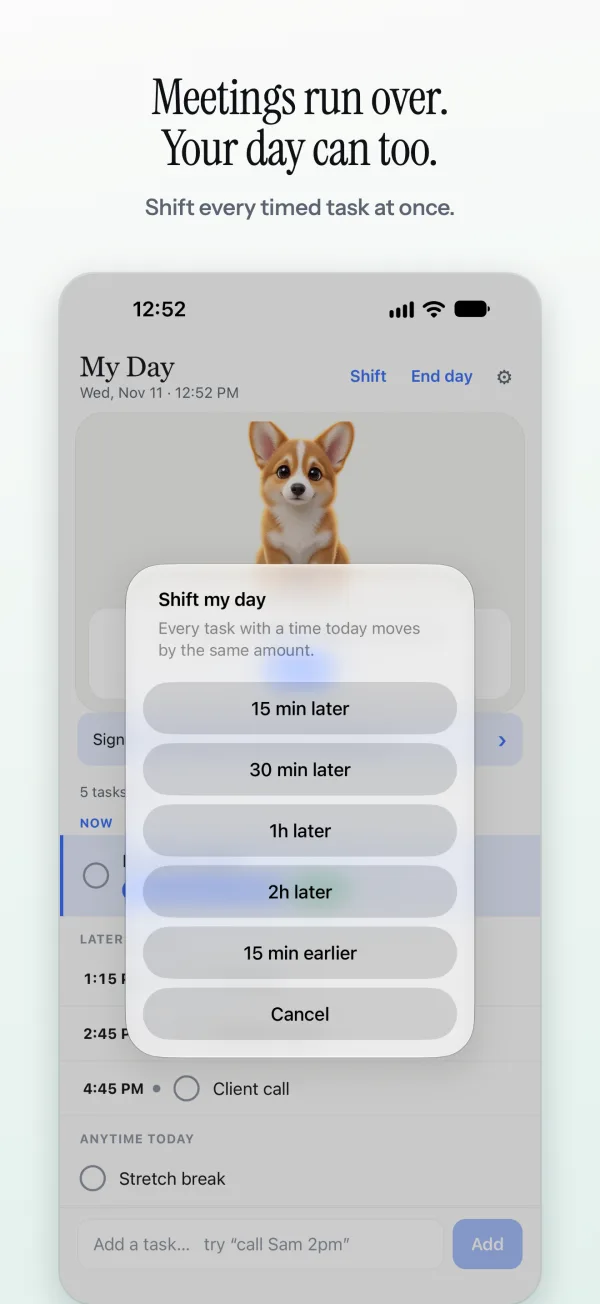
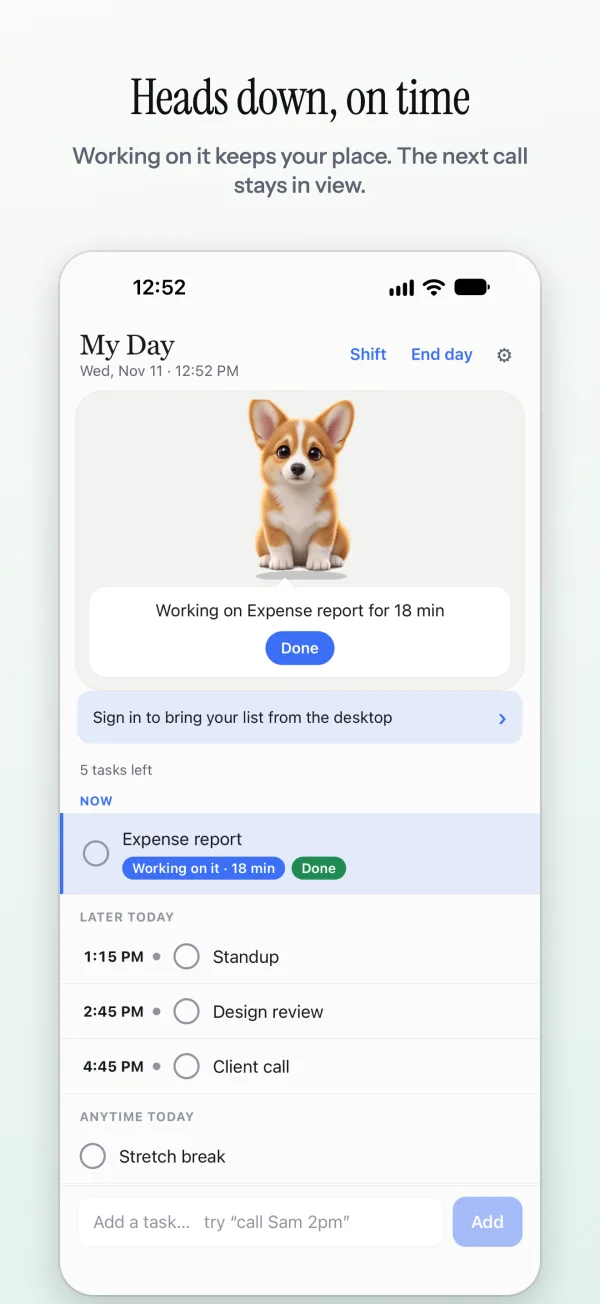
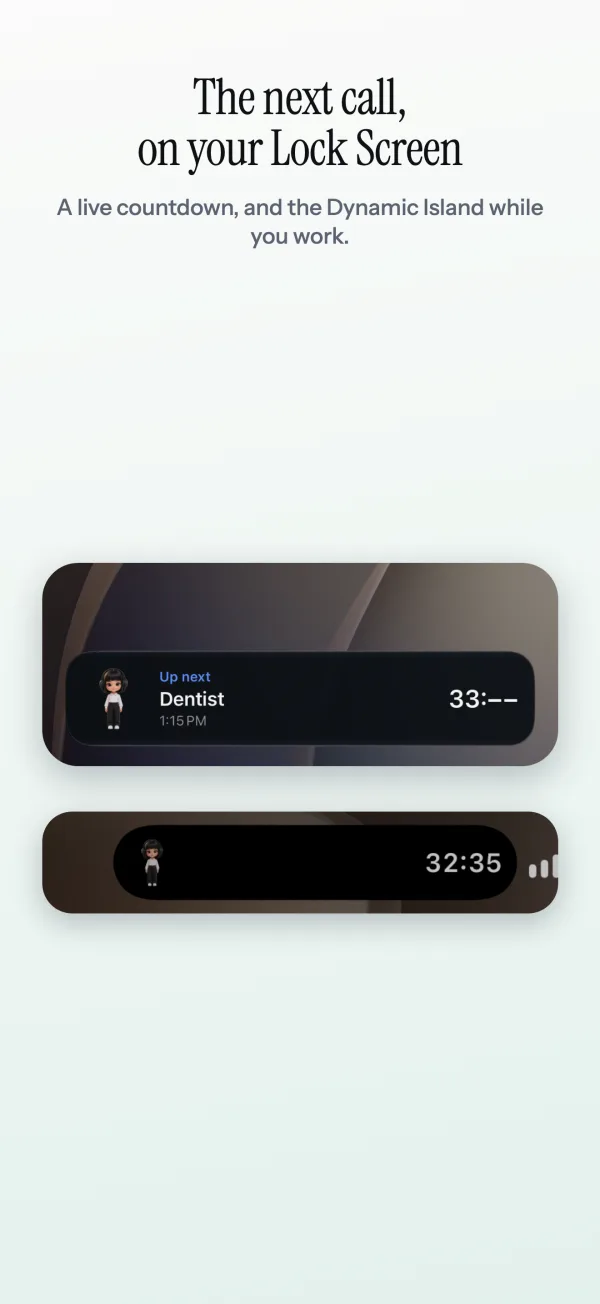
iPhone screens from the next update. Shift my day and the moving widget are already on Android; on iPhone they come with the update, along with the Lock Screen countdown and Siri.
Work and home on one list.
At home the two run into each other, so Petodo keeps one list in time order with the next hour at the top. Type “pick up the kids 3:15pm” the same way as “standup 9:30am”.
Sign in and the same list is on your other computer and your phone. Petodo is on Android and iPhone.
When the day runs late.
Snooze moves one reminder. On Android, Shift moves the whole day: every open timed task later by 15, 30, 60 or 120 minutes, and anything pushed past the end of the day goes to tomorrow.
At the end of the day, End the day tidies the list, and the pet celebrates what you finished.
Questions people ask
Will the pet show up on my screen share?
If you share your whole screen, anything on it is shared, the pet included. Ghost mode, hiding the pet with your shortcut (Ctrl+Shift+Space by default) or Hide in fullscreen apps keeps it out of the way while you present.
Does it work with my calendar?
With Pro, Petodo can bring your calendar's events onto your list (Settings, Connections). Pro comes with 14 days free to try.
Can I use it on a work laptop without admin rights?
On Windows it installs for your user only, so there is no admin prompt. On a Mac you drag it to Applications. Your list stays in plain JSON on the machine unless you sign in to sync.
Does it track what I do?
No. Petodo does not watch your apps, your screen or your keystrokes. On a Mac it asks for Accessibility access so the pet can see which window is in front, for the walk-over and hiding in fullscreen apps; say no and everything else still works.