What happens in the video
- 0:00 Play is pressed in a music player. After two seconds of sound, the axolotl starts dancing.
- 0:05 Next track: a faster song. After two beats the groove speeds up to match it.
- 0:09 Private by design: the pet only notices that sound is playing, never what it is.
- 0:13 Later that day, the last task is ticked off and the pet does a victory dance.
- 0:17 All eight free pets dance together.
Every screen is the real Petodo app. More Petodo videos
Music: “Aitech” by Kevin MacLeod (incompetech.com) and “Tech Talk” by Audionautix (audionautix.com), CC BY 4.0.
Questions people ask
Does Petodo listen to my music?
No. It reads how loud your speakers are, never the audio itself, and nothing is recorded.
Does the tempo following work on Mac?
Finding the tempo is on Windows. On any computer the pet dances once sound has been playing for about two seconds, and stops after about five seconds of quiet.
Read next
For you
A desktop pet with a to-do list
Twenty characters that sit on top of every window and walk over when it's time.
Read itGuide
Desktop pets for Windows
Five desktop pets for Windows 10 and 11, what each does and what it costs.
Read itGuide
Desktop pets for Mac
Six desktop pets for macOS, which Macs they run on and what they cost.
Read it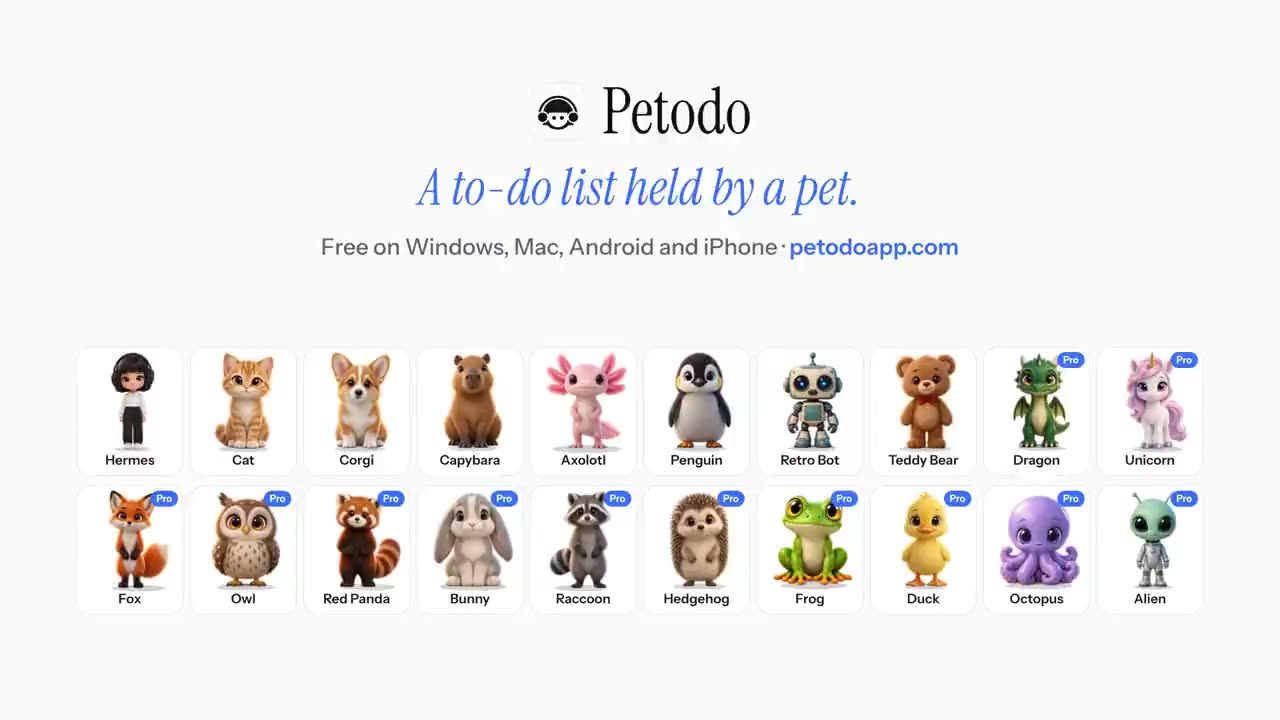 0:25
Video
Twenty desktop pets, all of them alive
Every one of them blinks, talks, celebrates, dances and sleeps.
Watch it